
| overview | products | download | order | support | info | FORUM | about |

|
|
||||||||||
|

|
|
|
About FR CD Cover for CD Bank CataloguerFR CD Cover is CD covers printing software, created for work with CD Bank Cataloguer. You can use your CD database from CD Bank Cataloguer for create and print the CD, DVD, ZIP-drive and floppy labels, stickers, box etc. How it work?Printing the CD cover from CD Bank Cataloguer become quick and easy, because all CD information (disk name, description, files and folders list) already existing in the CD Bank. You need to download (see Télécharger page) from our site and install the CD Covers print software, configured to work with CD Bank Cataloguer. After CD Bank restart, new command appear in the "Disk utilities" menu. From now, you can print the CD covers directly from CD Bank, without any additional actions. Examples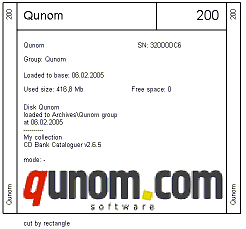 Disk description cover (zoom 50%): disk and group name, disk label, size, date and description, cover image. Standard CD box cover. 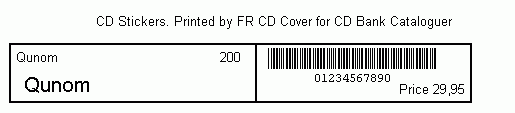 Disk sticker (full size): disk and group name, ID, barcode and price. Read more about CD Stickers... 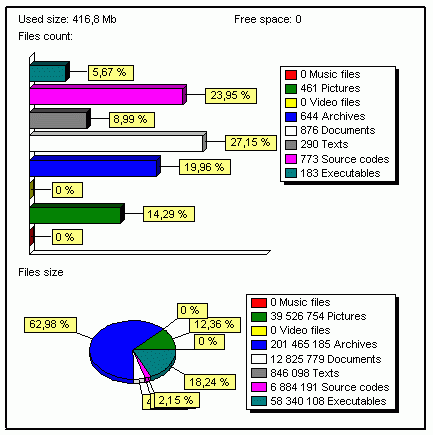 Disk statistics (full size): files count and summary size by category. 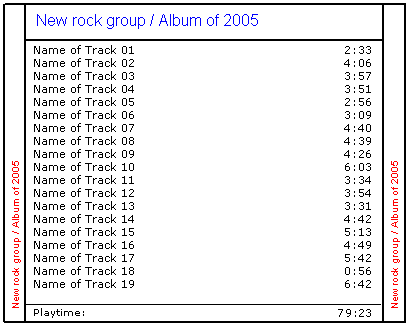 Audio disk cover (zoom 75%): group and album name, tracks list, track playing time in m:sec, disk playing time. Printing coversFor print covers, you can use the standard cover templates, your own template (created with Designer), or templates created by over users. FR CD Cover interface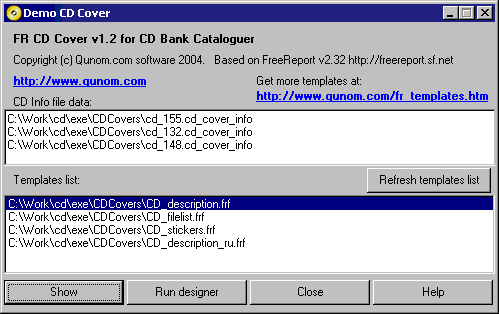 CD Info file data contain the list of CD descriptions, received from CD Bank Cataloguer. Templates list contain the list of cover templates (printing forms) created with Designer. How to use the FR CD Cover
Using cover templatesFR CD Cover uses templates for print the covers. You can use shipped templates for printing lots of disk labels, design your own template and share it via our site (see Modèles FR). For more information, how to design your own CD cover templates, see FR Designer description Read How to print the cd cover manual. |
|
accueil | produits | télécharger | acheter | support | info | a propos |